SVG icon downloads: from preview to file
If you already know you need an SVG file, start with this small selection of objects, transport and nature subjects. Every icon shown here has an SVG download. The detail page also lets you compare its PNG preview against light, dark and custom backgrounds before saving a file.
Browse the selection
 Flat Icon
Book
objects · PNG & SVG
 Flat Icon
Bicycle
transport · PNG & SVG
 Flat Icon
Cloud
nature · PNG & SVG
 Flat Icon
Sun
nature · PNG & SVG
 Flat Icon
Moon
nature · PNG & SVG
 Flat Icon
Ship
transport · PNG & SVG
 Line Art
Dog
animals · PNG & SVG
 Line Art
Robot
technology · PNG & SVG
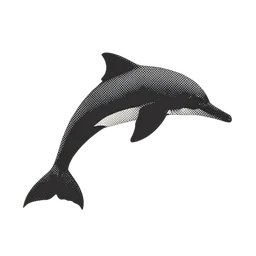 Duotone
Dolphin
animals · PNG & SVG
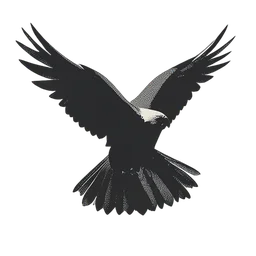 Duotone
Eagle
animals · PNG & SVG
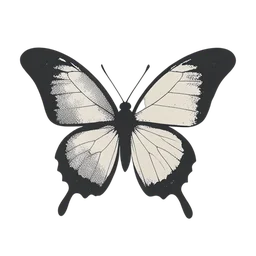 Duotone
Butterfly
animals · PNG & SVG
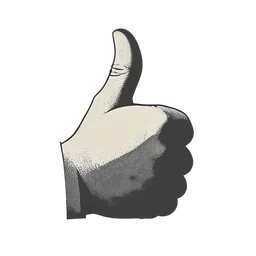 Duotone
Thumbs Up
people · PNG & SVG
Open the icon and choose the download
Select a card, inspect the preview, then use the SVG download button on the detail page. The separate PNG button is useful when your destination accepts raster images. Check the listed file size when choosing between formats; SVG is not necessarily the smaller download.
Check the saved artwork in context
Open the downloaded file in your intended editor or page, keep its aspect ratio, and compare it at the final display size. When placing an image in HTML, describe what it communicates in that context; a purely decorative image can use an empty alternative. Read the linked license before including the artwork in a project.