Free vector icons: choose a visual style
A cat, heart or camera can feel quite different as a filled illustration, a line drawing or a silhouette. This selection places three treatments of each subject together, so you can compare their outline and visual weight before choosing artwork for your page.
Browse the selection
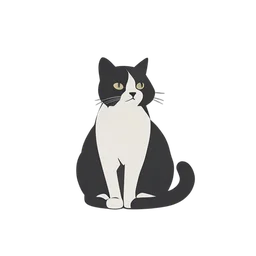 Flat Icon
Cat
animals · PNG & SVG
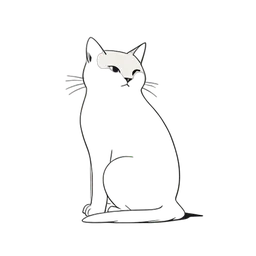 Line Art
Cat
animals · PNG & SVG
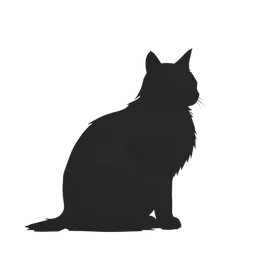 Silhouette
Cat
animals · PNG & SVG
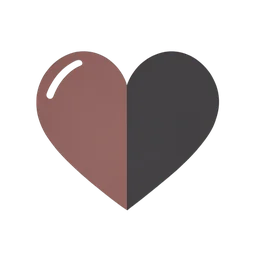 Flat Icon
Heart
symbols · PNG & SVG
 Line Art
Heart
symbols · PNG & SVG
 Silhouette
Heart
symbols · PNG & SVG
 Flat Icon
Camera
technology · PNG & SVG
 Line Art
Camera
technology · PNG & SVG
 Silhouette
Camera
technology · PNG & SVG
 Flat Icon
Tree
nature · PNG & SVG
 Line Art
Tree
nature · PNG & SVG
 Silhouette
Tree
nature · PNG & SVG
 Flat Icon
House
objects · PNG & SVG
 Line Art
House
objects · PNG & SVG
 Silhouette
House
objects · PNG & SVG
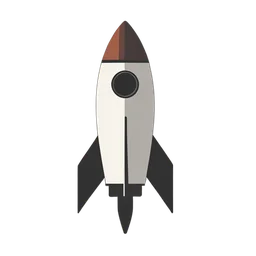 Flat Icon
Rocket
transport · PNG & SVG
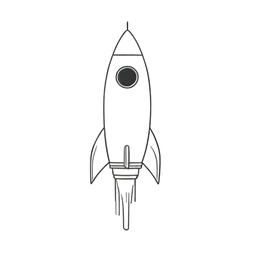 Line Art
Rocket
transport · PNG & SVG
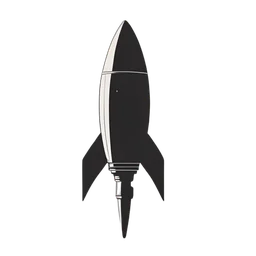 Silhouette
Rocket
transport · PNG & SVG
Compare the subject before mixing styles
Read the grid in groups of three: flat, line art, then silhouette. Compare how much detail remains at the size you intend to use. For a navigation row or a set of feature cards, start with one treatment and check the other icons alongside it; sharing a style label alone does not guarantee matching proportions.
Choose a file after choosing the artwork
Open an icon to inspect the larger preview and download its SVG or PNG file. If you plan to change the display dimensions, keep the artwork's aspect ratio. For another subject in the same treatment, follow the style links below rather than restarting from the home page.